Manage Partners Block
In the current template of the APEx Project Web Portal, a dedicated “Our Partners” section is included on each webpage. This section displays the logos of the partners involved in your project.
Changing the logos
You can change the logos in this section by executing the following steps:
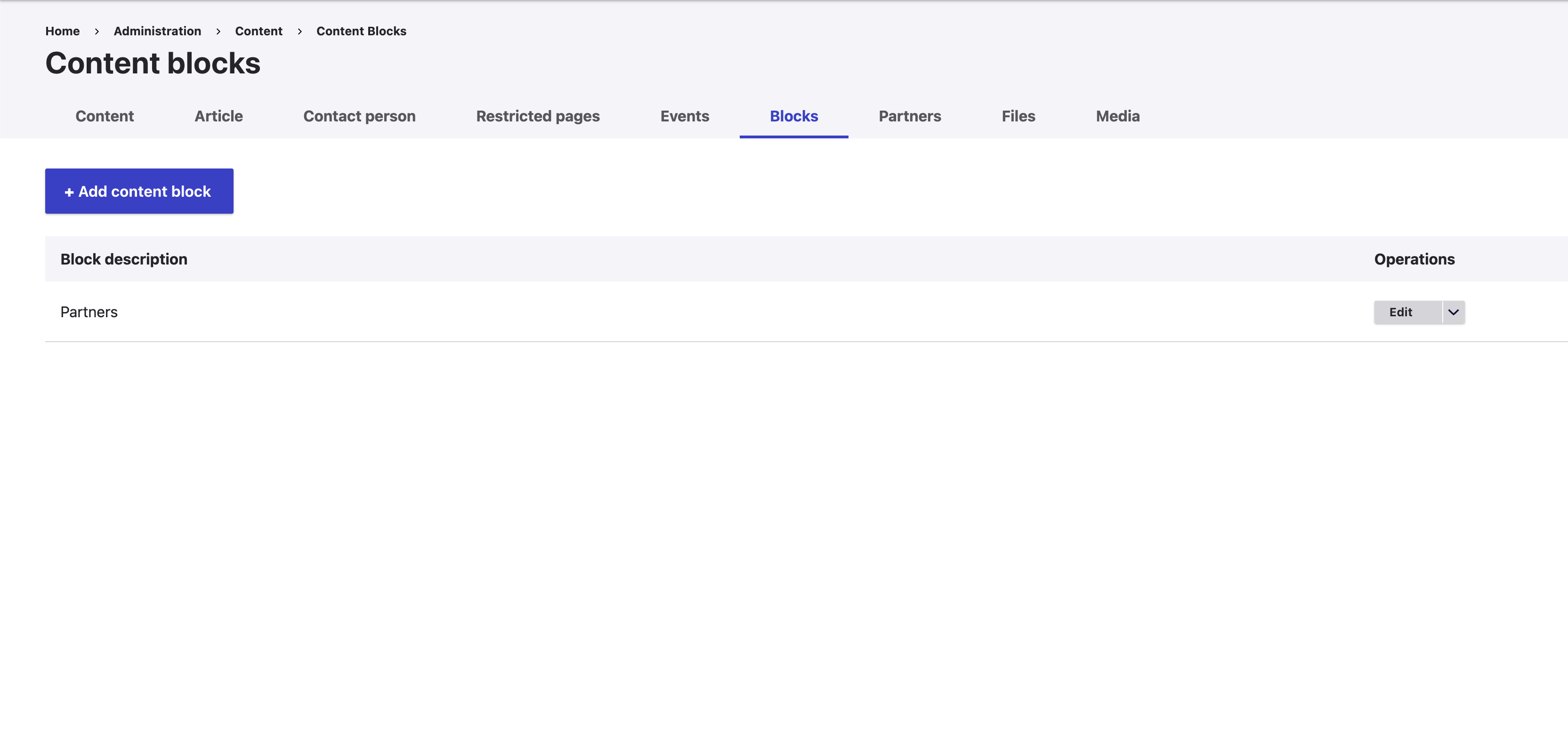
- In the administration menu of your Project Web Portal, go to Contents > Blocks.
- Locate the Partners block.
- Click Edit for the Partners block.
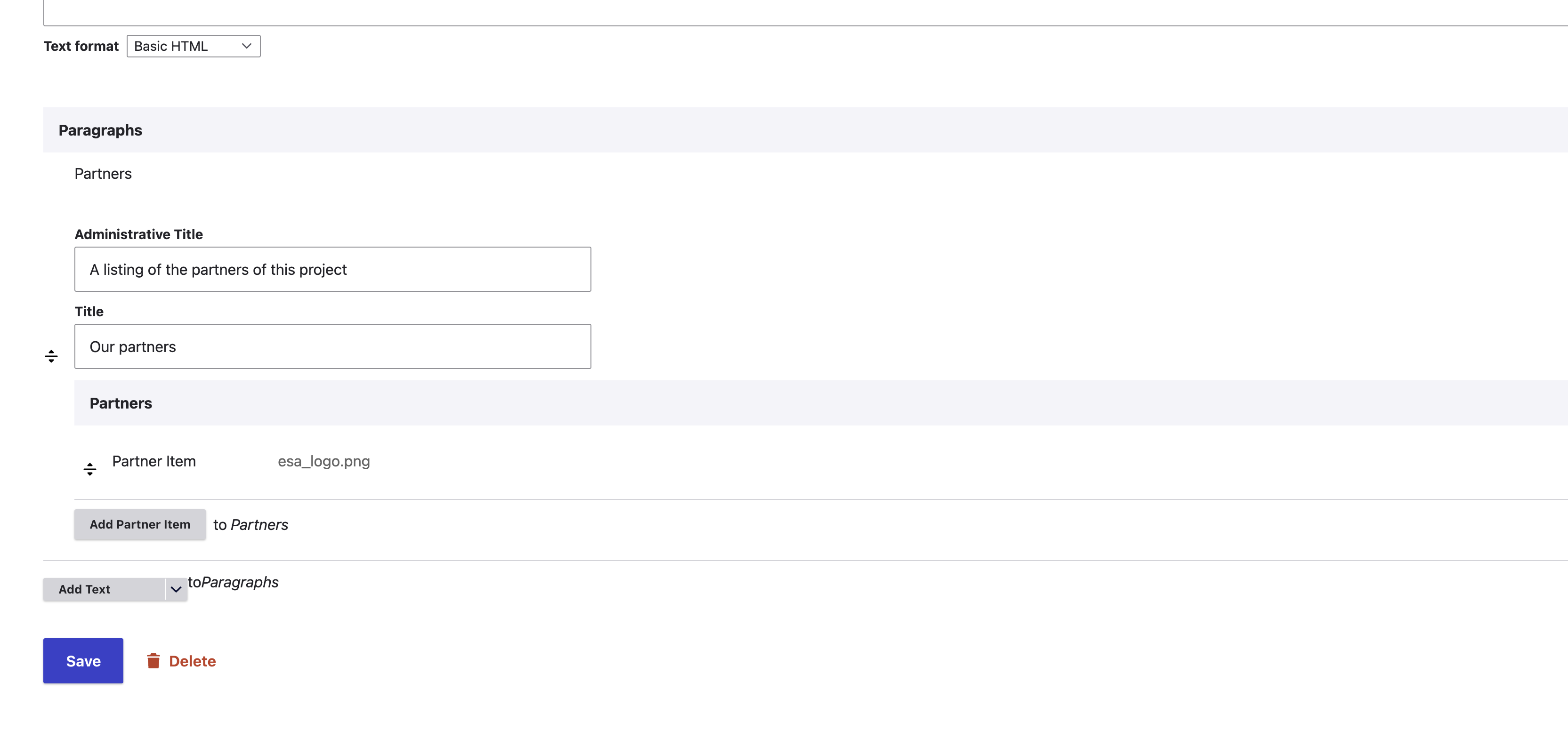
- In the block configuration page, you can:
- Update the title of the section.
- Modify the partner logos in the Paragraphs section.
- After making your changes, click Save to apply them.
Your updates will now be reflected in the “Our Partners” section across the website.
Removing the block
You can remove the partners block by executing the following steps:
- In the administration menu of your Project Web Portal, go to Contents > Blocks.
- Locate the Partners block.
- Click Remove for the Partners block.
Screenshots